nape-js Cookbook
Practical, copy-paste-ready recipes for common game physics tasks. Each recipe shows the minimal working code and explains the "why" behind key decisions.
Table of Contents
- Basic Setup
- Platformer Character
- One-Way Platforms
- Ragdoll
- Rope / Chain
- Vehicle (Top-Down)
- Fluid / Water Pool
- Raycasting
- Convex Cast (Swept-Shape Queries)
- Sensor / Trigger Zone
- Collision Filtering
- Explosion Impulse
- Voronoi Fracture (Destruction)
- Particle Emitter (Bullets, Sparks, Debris)
- Conveyor Belt
- Breakable Constraint
- Soft Constraint (Spring-Like)
- Constraint Reference — Which Joint to Use
- Serialization (Save / Load)
- Binary Snapshot (Multiplayer)
- Replay & Recording (Deterministic Playback)
- Web Worker Off-Thread Physics
- CCD (Bullet Bodies)
- Sub-Stepping for Stability
- Kinematic Moving Platform
- Custom Material Presets
- Performance Profiling
- Wave Spawner (Timer-Driven Cadence)
- Viewport-Bounded Auto-Aim
- Homing Missile (Steered Projectile)
Basic Setup
Create a world, a floor, and a falling ball — the "Hello World" of nape-js.
import { Space, Body, BodyType, Vec2, Circle, Polygon } from "@newkrok/nape-js";

const space = new Space(new Vec2(0, 600)); // gravity: 600 px/s² downward

// Static floor
const floor = new Body(BodyType.STATIC, new Vec2(400, 550));
floor.shapes.add(new Polygon(Polygon.box(800, 20)));
floor.space = space;

// Dynamic ball
const ball = new Body(BodyType.DYNAMIC, new Vec2(400, 100));
ball.shapes.add(new Circle(20));
ball.space = space;

// Game loop
function update() {
  space.step(1 / 60);
  // Read ball.position.x, ball.position.y, ball.rotation for rendering
}
Key points:
space.step(1/60)advances the simulation by one frame at 60 fps- Assign
body.space = spaceto add a body — don't call a separateaddBody()method - Gravity is in pixels/s² (not meters) — no conversion needed
Platformer Character
Use CharacterController for pixel-perfect movement with slope handling, step climbing, and wall detection.
import {
  Space, Body, BodyType, Vec2, Circle, CbType,
  CharacterController,
} from "@newkrok/nape-js";

const space = new Space(new Vec2(0, 600));

// Player body — DYNAMIC with rotation disabled
const player = new Body(BodyType.DYNAMIC, new Vec2(100, 100));
player.shapes.add(new Circle(14));
player.allowRotation = false;
player.isBullet = true; // enable CCD to prevent tunneling
player.space = space;

// Optional: tag for one-way platform filtering
const platformTag = new CbType();

const cc = new CharacterController(space, player, {
  maxSlopeAngle: Math.PI / 4, // 45° climbable
  oneWayPlatformTag: platformTag,
});

// Each frame:
function update(dt: number, keys: { left: boolean; right: boolean; jump: boolean }) {
  const speed = 200;
  const dx = (keys.right ? 1 : 0) - (keys.left ? 1 : 0);

  cc.setVelocity(dx * speed, player.velocity.y);
  space.step(dt);

  const result = cc.update(); // returns the MoveResult
  if (keys.jump && result.grounded) {
    player.velocity.y = -400; // jump impulse
  }
}
Key points:
- Use
allowRotation = falseso the character doesn't tumble isBullet = trueenables CCD — prevents falling through thin platformsCharacterControllerhandles slopes, steps, and wall detection automatically- Walls are frictionless by default (
wallFriction: 0) — holding a direction key into a wall or the side of a ledge never cancels gravity, so wall-slide / wall-jump code sees the real fall speed. Pass a small value for a scrape, ornullto keep material friction on walls
One-Way Platforms
Platforms the player can jump through from below but stand on from above.
import {
  Space, Body, BodyType, Vec2, Polygon, Material,
  CbType, PreListener, PreFlag,
} from "@newkrok/nape-js";

const platformTag = new CbType();
const playerTag = new CbType();

// Create platform
const platform = new Body(BodyType.STATIC, new Vec2(300, 400));
platform.shapes.add(new Polygon(Polygon.box(120, 12)));
platform.cbTypes.add(platformTag);
platform.space = space;

// Add player's CbType
playerBody.cbTypes.add(playerTag);

// PreListener: ignore collision when player moves upward
space.listeners.add(
  new PreListener(
    InteractionType.COLLISION,
    playerTag,
    platformTag,
    (cb) => {
      const arbiter = cb.arbiter.collisionArbiter;
      // Normal points from shape1 to shape2; ignore if pointing down
      return arbiter && arbiter.normal.y > 0 ? PreFlag.IGNORE : PreFlag.ACCEPT;
    },
  ),
);
Key point: The PreListener fires before collision resolution — returning PreFlag.IGNORE lets the body pass through.
Ragdoll
A multi-body character held together by PivotJoint (position) and AngleJoint (rotation limits).
import {
  Space, Body, BodyType, Vec2, Circle, Polygon,
  PivotJoint, AngleJoint,
} from "@newkrok/nape-js";

function createRagdoll(space: Space, x: number, y: number) {
  const torso = new Body(BodyType.DYNAMIC, new Vec2(x, y));
  torso.shapes.add(new Polygon(Polygon.box(24, 48)));
  torso.space = space;

  const head = new Body(BodyType.DYNAMIC, new Vec2(x, y - 38));
  head.shapes.add(new Circle(12));
  head.space = space;

  // Pin head to torso
  const neck = new PivotJoint(torso, head, new Vec2(0, -24), new Vec2(0, 12));
  neck.space = space;

  // Limit head rotation to ±23°
  const neckAngle = new AngleJoint(torso, head, -0.4, 0.4);
  neckAngle.stiff = false;
  neckAngle.frequency = 8;
  neckAngle.damping = 0.6;
  neckAngle.space = space;

  // Upper arm
  const arm = new Body(BodyType.DYNAMIC, new Vec2(x - 26, y - 14));
  arm.shapes.add(new Polygon(Polygon.box(28, 8)));
  arm.space = space;

  new PivotJoint(torso, arm, new Vec2(-12, -20), new Vec2(14, 0)).space = space;
  new AngleJoint(torso, arm, -Math.PI * 0.75, Math.PI * 0.75).space = space;

  // Add more limbs following the same pattern...
  return { torso, head, arm };
}
Key points:
PivotJointpins two bodies at a shared point — use for all joint connectionsAngleJointwithstiff = falsecreates soft rotation limits (more natural)frequencyanddampingcontrol the "springiness" of the joint
Rope / Chain
A chain of bodies connected by distance-constrained joints.
const LINKS = 12;
const LINK_LEN = 20;
let prev: Body | null = space.world; // anchor to static world body

for (let i = 0; i < LINKS; i++) {
  const link = new Body(BodyType.DYNAMIC, new Vec2(300, 100 + i * LINK_LEN));
  link.shapes.add(new Circle(4));
  link.space = space;

  const joint = new PivotJoint(
    prev,
    link,
    prev === space.world ? new Vec2(300, 100) : new Vec2(0, LINK_LEN / 2),
    new Vec2(0, -LINK_LEN / 2),
  );
  joint.space = space;
  prev = link;
}
Key point: Use space.world as the first body to anchor the chain to a fixed point in the world.
Vehicle (Top-Down)
Kinematic body with velocity-based steering.
const car = new Body(BodyType.DYNAMIC, new Vec2(400, 300));
car.shapes.add(new Polygon(Polygon.box(20, 40)));
car.allowRotation = true;
car.space = space;

function updateCar(steer: number, throttle: number) {
  const angle = car.rotation;
  const forward = new Vec2(Math.sin(angle), -Math.cos(angle));

  // Apply forward thrust
  car.applyImpulse(Vec2.get(forward.x * throttle, forward.y * throttle));

  // Steering: apply angular impulse
  car.applyAngularImpulse(steer * 0.5);

  // Kill lateral velocity for tighter handling
  const lateral = new Vec2(-forward.y, forward.x);
  const latSpeed = car.velocity.x * lateral.x + car.velocity.y * lateral.y;
  car.velocity.x -= lateral.x * latSpeed * 0.9;
  car.velocity.y -= lateral.y * latSpeed * 0.9;
}
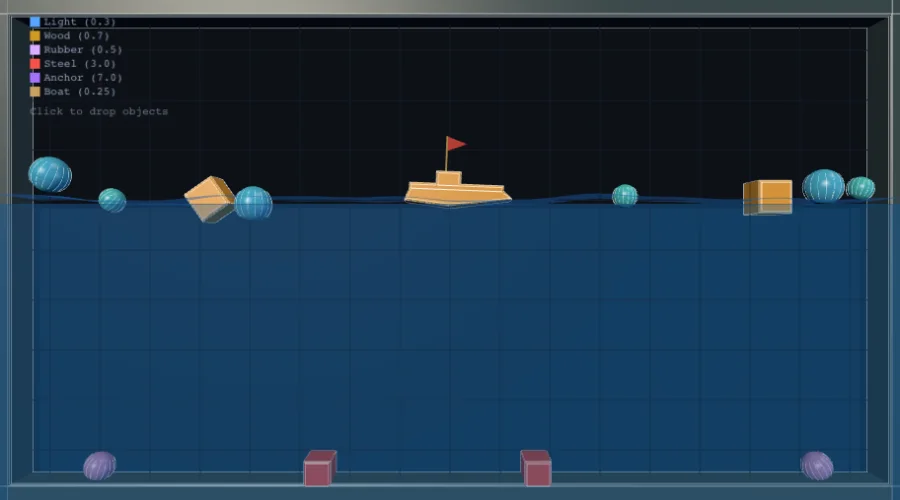
Fluid / Water Pool
Create a body with fluidEnabled = true shapes for buoyancy and drag.
import { Body, BodyType, Vec2, Polygon, FluidProperties } from "@newkrok/nape-js";

// Water zone (static body, sensor-like)
const water = new Body(BodyType.STATIC, new Vec2(400, 450));
const waterShape = new Polygon(Polygon.box(300, 100));
waterShape.fluidEnabled = true;
waterShape.fluidProperties = new FluidProperties(1.5, 3.0); // density, viscosity
water.shapes.add(waterShape);
water.space = space;

// Light object — floats
const buoy = new Body(BodyType.DYNAMIC, new Vec2(400, 200));
const buoyShape = new Circle(15);
buoy.shapes.add(buoyShape);
for (const s of buoy.shapes) {
  s.material.density = 0.3; // lighter than water (1.5) → floats
}
buoy.space = space;

// Heavy object — sinks slowly
const anchor = new Body(BodyType.DYNAMIC, new Vec2(420, 200));
anchor.shapes.add(new Polygon(Polygon.box(20, 20)));
for (const s of anchor.shapes) {
  s.material.density = 5.0; // heavier than water → sinks
}
anchor.space = space;
Key points:
FluidProperties(density, viscosity)— higher density = stronger buoyancy, higher viscosity = more drag- The body's
material.densityrelative to the fluid's density determines floating vs sinking - Fluid simulation is unique to nape-js — no other pure-JS engine has this
Raycasting
Cast a ray and find the first body it hits.
import { Space, Ray, Vec2 } from "@newkrok/nape-js";

// Important: call space.step() at least once before raycasting
// so the broadphase registers all shapes
space.step(1 / 60);

const ray = new Ray(
  new Vec2(100, 300), // origin
  new Vec2(1, 0),     // direction (rightward)
);

const result = space.rayCast(ray, false); // false = outer surfaces only

if (result) {
  console.log("Hit body:", result.shape.body);
  console.log("Distance:", result.distance);
  console.log("Normal:", result.normal);
  // RayResult has no `point` — derive it from the distance along the ray:
  console.log("Hit point:", ray.at(result.distance));
}
Gotcha: space.rayCast() on static bodies may return null if you haven't called space.step() at least once — the broadphase needs a step to index the shapes.
Convex Cast (Swept-Shape Queries)
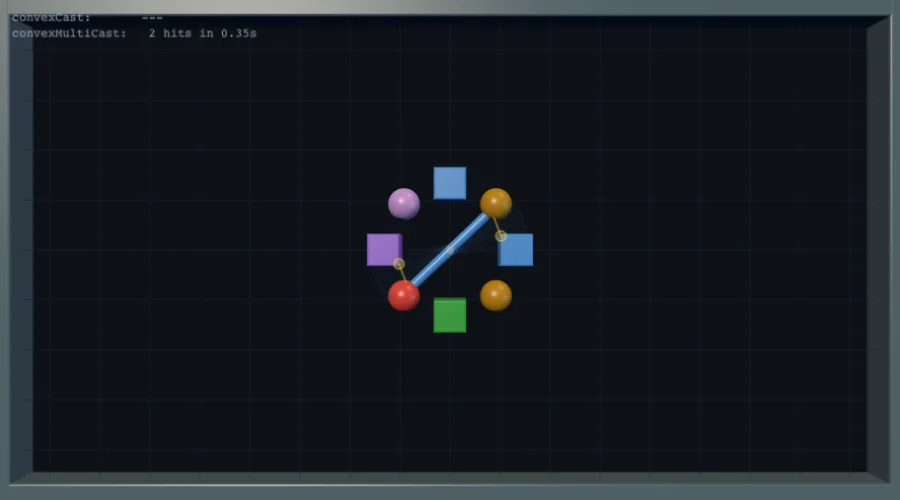
Where rayCast queries an infinitely thin ray, convexCast and convexMultiCast
sweep a full convex shape along its body's current velocity — useful for wide
projectile hit-prediction, look-ahead for melee weapons, or tunnelling prevention
for fast-moving objects.
import { Space, Body, BodyType, Vec2, Capsule } from "@newkrok/nape-js";

// Create a "sword" body — a capsule that rotates around its centre.
const sword = new Body(BodyType.KINEMATIC, new Vec2(450, 250));
const blade = new Capsule(160, 10); // 160 px long, 10 px wide
sword.shapes.add(blade);
sword.angularVel = 2.0; // radians per second
sword.space = space;

// Important: the broadphase needs at least one step before casts return results.
space.step(1 / 60);

// ── convexCast — first hit in the next frame ──────────────────────────────
const result = space.convexCast(blade, 1 / 60, false);
if (result) {
  console.log("First hit at:", result.position.x, result.position.y);
  console.log("Surface normal:", result.normal.x, result.normal.y);
  console.log("Time-of-impact (seconds):", result.toi);
  console.log("Shape hit:", result.shape);
  result.dispose(); // always dispose to return to pool
}

// ── convexMultiCast — all hits in the next 0.3 seconds ───────────────────
const results = space.convexMultiCast(blade, 0.3, false);
for (const r of results) {
  console.log("Hit shape:", r.shape, "at toi:", r.toi.toFixed(3));
  r.dispose(); // dispose each individual result
}
ConvexResult properties:
| Property | Type | Description |
|---|---|---|
position |
Vec2 |
World-space contact point |
normal |
Vec2 |
Surface normal at contact, pointing away from the hit shape |
toi |
number |
Time-of-impact in seconds — 0 = immediate contact, up to deltaTime |
shape |
Shape |
The shape that was hit |
Tips:
liveSweep = true(third argument) accounts for the other body's velocity during the sweep — useful when predicting a projectile hitting a moving target.- Always call
result.dispose()(and each item fromconvexMultiCast) to return pooled objects; skipping this causes a small per-frame allocation leak. - The shape must belong to a body that is already in the space.
- Combine with
InteractionFilterto restrict which shapes are eligible hits (e.g. ignore sensors or specific collision groups).
See also: the Convex Cast demo — spinning sword with real-time swept-arc visualisation and HUD showing both APIs side-by-side.
Sensor / Trigger Zone
Detect bodies entering/exiting an area without physical collision.
import {
  Body, BodyType, Vec2, Polygon,
  CbType, CbEvent, InteractionType, InteractionListener,
} from "@newkrok/nape-js";

const sensorTag = new CbType();
const enemyTag = new CbType();

// Sensor zone — no physical collision, only detection
const zone = new Body(BodyType.STATIC, new Vec2(500, 400));
const zoneShape = new Polygon(Polygon.box(100, 100));
zoneShape.sensorEnabled = true;
zone.shapes.add(zoneShape);
zone.cbTypes.add(sensorTag);
zone.space = space;

// Enemy body
enemy.cbTypes.add(enemyTag);

// Detect entry
space.listeners.add(
  new InteractionListener(CbEvent.BEGIN, InteractionType.SENSOR, sensorTag, enemyTag, (cb) => {
    console.log("Enemy entered zone!", cb.int2);
  }),
);

// Detect exit
space.listeners.add(
  new InteractionListener(CbEvent.END, InteractionType.SENSOR, sensorTag, enemyTag, (cb) => {
    console.log("Enemy left zone!", cb.int2);
  }),
);
To switch a shape into (or out of) sensor mode at runtime, set
sensorEnabled outside space.step(). Inside a PreListener handler — which
runs mid-step — it throws; record the change there and apply it after the step
(troubleshooting).
Collision Filtering
Control which bodies collide using InteractionFilter bit masks.
import { Body, Circle, InteractionFilter } from "@newkrok/nape-js";

// Define layers as bit flags
const PLAYER = 1;
const ENEMY = 2;
const BULLET = 4;
const WALL = 8;

// Player collides with enemies and walls, not own bullets
for (const s of playerBody.shapes) {
  s.filter.collisionGroup = PLAYER;
  s.filter.collisionMask = ENEMY | WALL;
}

// Enemy collides with player, bullets, and walls
for (const s of enemyBody.shapes) {
  s.filter.collisionGroup = ENEMY;
  s.filter.collisionMask = PLAYER | BULLET | WALL;
}

// Bullet collides with enemies and walls only
for (const s of bulletBody.shapes) {
  s.filter.collisionGroup = BULLET;
  s.filter.collisionMask = ENEMY | WALL;
}
Key point: Two shapes collide when (A.collisionGroup & B.collisionMask) !== 0 AND (B.collisionGroup & A.collisionMask) !== 0. Both must agree.
Explosion Impulse
Apply radial impulse to all nearby bodies.
function explode(space: Space, center: Vec2, radius: number, force: number) {
  for (const body of space.bodies) {
    if (body.type !== BodyType.DYNAMIC) continue;

    const dx = body.position.x - center.x;
    const dy = body.position.y - center.y;
    const dist = Math.sqrt(dx * dx + dy * dy);

    if (dist < radius && dist > 0) {
      const strength = force * (1 - dist / radius); // falloff
      const impulse = Vec2.get((dx / dist) * strength, (dy / dist) * strength);
      body.applyImpulse(impulse);
      impulse.dispose();
    }
  }
}

// Usage:
explode(space, new Vec2(400, 300), 200, 5000);
Gotcha: nape-js has applyImpulse(), not applyForce(). Impulse is instantaneous (velocity change), force is continuous (applied per step).
Voronoi Fracture (Destruction)
Shatter a body into Voronoi fragments on impact. Works with any convex polygon shape.
import { fractureBody } from "@newkrok/nape-js";

// Fracture a body at the impact point
const result = fractureBody(body, impactPoint, {
  fragmentCount: 6,       // number of pieces (default: 8)
  explosionImpulse: 30,   // radial blast force in px/s (default: 0)
});

// result.fragments — array of new Body instances (already in space)
// result.originalBody — the original body (removed from space)
result.fragments.forEach((f) => {
  f.userData._breakable = f.shapes.at(0).area >= 300; // re-fracture only large pieces
});
Collision-triggered fracture — use an InteractionListener to fracture on impact:
import { CbType, CbEvent, InteractionType, InteractionListener } from "@newkrok/nape-js";

const cbProjectile = new CbType();
const cbBreakable = new CbType();

// Tag bodies
projectile.cbTypes.add(cbProjectile);
wall.cbTypes.add(cbBreakable);

space.listeners.add(new InteractionListener(
  CbEvent.BEGIN,
  InteractionType.COLLISION,
  cbProjectile,
  cbBreakable,
  (cb) => {
    const b1 = cb.int1.castBody ?? cb.int1.castShape?.body;
    const b2 = cb.int2.castBody ?? cb.int2.castShape?.body;
    if (!b1 || !b2) return;
    const target = b1.userData._breakable ? b1 : b2;
    const mx = (b1.position.x + b2.position.x) / 2;
    const my = (b1.position.y + b2.position.y) / 2;
    // Defer to avoid modifying space during callback
    setTimeout(() => {
      if (target.space) fractureBody(target, Vec2.get(mx, my), { fragmentCount: 4 });
    }, 0);
  },
));
Gotchas:
fractureBodyonly works on polygon shapes (not circles/capsules).- Always
setTimeoutthe fracture call inside listeners — modifying the space during a collision callback throws. - Fragments inherit the original body's velocity and rotation. Set
explosionImpulse> 0 for a blast effect. - For deterministic results (multiplayer), pass a seeded
random: () => numberfunction in options.
Particle Emitter (Bullets, Sparks, Debris)
ParticleEmitter is a physics-aware particle system: every "particle" is a real Body (with shape, mass, friction, collisions), but the emitter pools/recycles bodies, samples spawn positions and velocities from configurable patterns, ages them, and tears them down for you. Use it any time you would otherwise hand-roll a body pool with a per-frame for-loop.
It replaces the typical "make N small bodies and track them in an array" snippet with one config object.
Three flavours: continuous, manual burst, projectile-with-callback
import {
  ParticleEmitter, Body, BodyType, Vec2, Material, InteractionFilter, CbType,
} from "@newkrok/nape-js";

// 1) CONTINUOUS — emits at `rate` particles/sec for as long as it exists.
//    Spawn pattern, velocity pattern, lifetime, and origin (Vec2 OR Body)
//    are all sampled each spawn. Bodies are pooled internally up to
//    `maxParticles`; older particles get recycled (`overflowPolicy`).
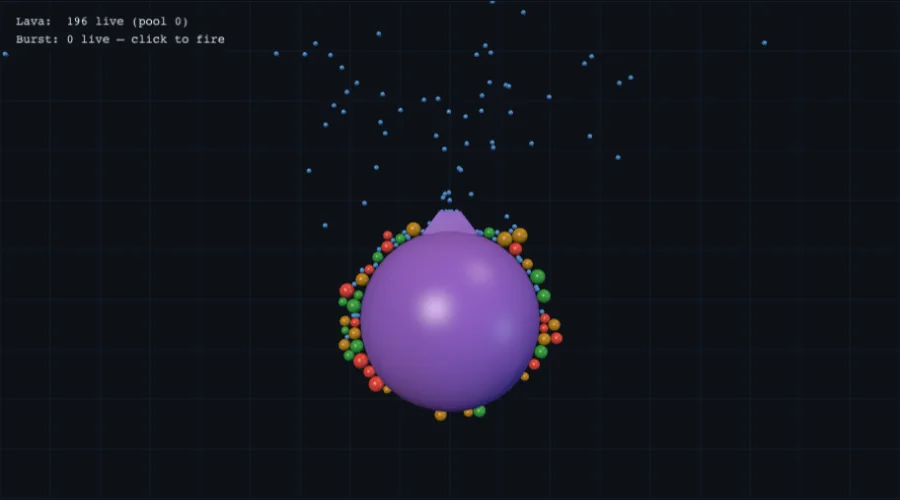
const lava = new ParticleEmitter({
  space,
  origin: new Vec2(450, 230),                // can also be a Body — tracked each spawn
  spawn: { kind: "arc", radius: 6, angleStart: -Math.PI, angleEnd: 0 },
  velocity: { kind: "cone", direction: -Math.PI / 2, spread: Math.PI / 5,
              speedMin: 320, speedMax: 520 },
  rate: 90,
  maxParticles: 600,
  lifetimeMin: 4, lifetimeMax: 7,
  particleRadius: 2.5,
  particleMaterial: new Material(0.05, 0.4, 0.6, 0.6),
  selfCollision: false,                       // particles don't collide with each other
});

// 2) MANUAL BURST — `rate: 0`, fire with `.emit(n)` whenever you want.
const debris = new ParticleEmitter({
  space,
  origin: new Vec2(0, 0),                     // moved on each burst
  velocity: { kind: "radial", speedMin: 130, speedMax: 420 },
  maxParticles: 400,
  lifetimeMin: 0.5, lifetimeMax: 1.4,
  particleRadius: 1.7,
  selfCollision: false,
});

function explodeAt(x: number, y: number) {
  // origin is a Vec2 — mutate in place; the emitter reads it on the next emit().
  (debris.origin as Vec2).setxy(x, y);
  debris.emit(40);
}

// 3) PROJECTILES WITH COLLISION CALLBACK — bullets that die on first contact.
//    `particleCbType` + `onCollide` wires up the InteractionListener for you;
//    `requestKill` is a deferred kill that's safe to call from inside the
//    callback (modifying the space during a collision callback throws).
const bulletCb = new CbType();
const bullets = new ParticleEmitter({
  space,
  origin: player,                             // bullets spawn from the player's centre
  velocity: { kind: "fixed", value: new Vec2(700, 0) }, // mutated per shot
  maxParticles: 64,
  lifetimeMin: 1.7, lifetimeMax: 1.7,
  particleRadius: 2,
  particleCbType: bulletCb,
  onCollide: (bullet, other) => {
    other.userData?._hp != null && (other.userData._hp -= 1);
    bullets.requestKill(bullet);              // safe — runs at the start of next update()
  },
  selfCollision: false,
});

// Shoot toward an aim point: mutate the velocity pattern in place, then emit().
function fire(aim: Vec2) {
  const dx = aim.x - player.position.x, dy = aim.y - player.position.y;
  const len = Math.hypot(dx, dy) || 1;
  (bullets.velocity as { kind: "fixed"; value: Vec2 }).value =
    new Vec2(dx / len * 700, dy / len * 700);
  bullets.emit(1);
}
Wire it into the loop
function update(dt: number) {
  lava.update(dt);
  debris.update(dt);
  bullets.update(dt);
  space.step(dt);
}

// Render: walk live particles + their parallel age/lifetime arrays.
for (let i = 0; i < lava.active.length; i++) {
  const b = lava.active[i];
  const t = lava.ages[i] / lava.lifetimes[i];
  // ... fade colour by t, draw a circle at b.position
}
Filter gotcha — emitters need their own collision group
Particles are real bodies, so they show up in every collision check, including:
- Other particle emitters — bullets fired through a debris cloud will deflect off floating sparks unless you mask them out.
CharacterControllerground-/wall-detection raycasts — the auto-generated CC raycast filter only excludes the character itself. If you fire bullets from the player's centre, the player can stand on their own bullets and "fly" by spamming the fire button.
Solution: put every emitter into a dedicated collision group, and have projectile/character filters mask that group out.
const PARTICLE_GROUP = 1 << 10;
const CHAR_GROUP     = 1 << 8;   // CharacterController already uses this internally

// Bullets: in PARTICLE_GROUP, but mask it out of THEIR mask too — so bullets
// don't deflect off other particles, and the CC ray-cast skips them.
new ParticleEmitter({
  /* ... */
  particleFilter: new InteractionFilter(PARTICLE_GROUP, ~(CHAR_GROUP | PARTICLE_GROUP)),
});

// Debris/sparks: same group, but only need to skip the player.
new ParticleEmitter({
  /* ... */
  particleFilter: new InteractionFilter(PARTICLE_GROUP, ~CHAR_GROUP),
});

// CharacterController: pass an explicit filter that skips both the character
// AND every particle. Otherwise its default filter keeps PARTICLE_GROUP in
// scope and the player can stand on their own shots.
new CharacterController(space, player, {
  /* ... */,
  filter: new InteractionFilter(1, ~(CHAR_GROUP | PARTICLE_GROUP)),
});
Lifecycle hooks
All hooks are optional:
onSpawn(state)— set per-particleuserData(color, damage, frame index).onUpdate(body, age, dt)— per-frame mutation (e.g. shrink radius, apply custom drag).onDeath(body, reason)—"lifetime"/"manual"/"bounds". Trigger a death-burst here.onCollide(particle, other)— collision-driven death; pair withrequestKill.
Gotchas
update(dt)must run beforespace.step(dt)(so deferred kills land before the next physics tick).originas aVec2is captured by reference — mutate it in place to move the emitter; don't reassign with=.originas aBodyis tracked each spawn — handy for muzzle-attached emitters; the body doesn't even need to be in the same space.selfCollision: false(default) gives every particle a self-excluding filter. If you provide an explicitparticleFilter, setselfCollision: trueif you want particles to collide with each other.- For deterministic results (multiplayer), pass a seeded
random: () => numberin the options.
Conveyor Belt
Use surfaceVel on a shape's material to create a moving surface.
const belt = new Body(BodyType.STATIC, new Vec2(400, 500));
const beltShape = new Polygon(Polygon.box(200, 10));
belt.shapes.add(beltShape);
belt.space = space;

// Friction is per-shape...
for (const s of belt.shapes) {
  s.material.dynamicFriction = 2;
  s.material.staticFriction = 2;
}

// ...but surface velocity lives on the BODY, not the shape.
// Note the all-lowercase `setxy`.
belt.surfaceVel.setxy(100, 0); // pushes objects rightward at 100 px/s
Breakable Constraint
A joint that snaps when force exceeds a threshold.
import { PivotJoint, CbType, CbEvent, ConstraintListener } from "@newkrok/nape-js";

const joint = new PivotJoint(bodyA, bodyB, new Vec2(0, 0), new Vec2(0, 0));
joint.breakUnderForce = true;
joint.maxForce = 5000;     // breaks above this force
joint.removeOnBreak = true; // auto-remove from space

// Listen for the break event
const jointTag = new CbType();
joint.cbTypes.add(jointTag); // only this joint (CbType.ANY_CONSTRAINT matches all)

space.listeners.add(
  new ConstraintListener(CbEvent.BREAK, jointTag, (cb) => {
    console.log("Joint broke!", cb.constraint);
    // Spawn particles, play sound, etc.
  }),
);

joint.space = space;
Gotcha: breaking is opt-in — without breakUnderForce (or breakUnderError + maxError) the joint is only clamped and BREAK never fires. On nape-js ≤ 3.42.3, listeners on CbType.ANY_CONSTRAINT matched nothing, so tag the joint with a dedicated CbType there.
Soft Constraint (Spring-Like)
Any constraint can be made soft by setting stiff = false with frequency and damping.
const joint = new DistanceJoint(bodyA, bodyB,
  new Vec2(0, 0), new Vec2(0, 0),
  50, 150, // min, max distance
);
joint.stiff = false;
joint.frequency = 4;   // oscillation speed (Hz)
joint.damping = 0.3;   // 0 = no damping, 1 = critical damping
joint.space = space;
Key point: This works on any constraint type (PivotJoint, AngleJoint, WeldJoint, etc.) — not just DistanceJoint. Set stiff = false, then tune frequency and damping.
Constraint Reference — Which Joint to Use
nape-js has 8 built-in constraint types. Each constrains a different degree of freedom between two bodies.
Quick reference
| Constraint | What it does | Typical use |
|---|---|---|
| PivotJoint | Pins two bodies at a shared world point (removes 2 translational DOFs) | Hinges, ragdoll joints, pin-to-world anchors |
| WeldJoint | Pins two bodies at a point AND locks relative rotation | Rigid attachment, gluing pieces together |
| DistanceJoint | Constrains the distance between two anchor points to a [min, max] range |
Ropes, chains, rods, tethers |
| SpringJoint | Continuously pulls/pushes two anchors toward a restLength using Hooke's law |
Suspension, soft-bodies, bouncy connections |
| LineJoint | Constrains one body to slide along an axis defined on the other body | Pistons, sliders, guided rails |
| AngleJoint | Constrains the relative rotation between two bodies to a [min, max] range |
Rotation limits on ragdoll limbs, turrets |
| MotorJoint | Drives relative angular velocity at a target rate with a gear ratio |
Wheels, motors, conveyor rollers |
| PulleyJoint | Couples the distance of two body pairs so that d1 + ratio * d2 ≤ maxDist |
Pulleys, counterweights, elevators |
DistanceJoint vs SpringJoint
These two are often confused because both relate to distance between bodies.
DistanceJoint is a constraint — it enforces a distance range [min, max]. If the bodies are within range, the joint does nothing. Think of it as a rope with a fixed length.
SpringJoint is a force generator — it always applies force proportional to how far the current distance is from restLength (Hooke's law). It oscillates and bounces. Think of it as a coil spring.
// Rope: keeps bodies between 50–150 apart, otherwise limp
const rope = new DistanceJoint(a, b, v0, v0, 50, 150);

// Spring: always pulls toward rest length 100, oscillates
const spring = new SpringJoint(a, b, v0, v0, 100);
spring.frequency = 4;  // Hz — how fast it oscillates
spring.damping = 0.3;  // 0 = bouncy forever, 1 = no overshoot
When to choose which:
- Fixed length / slack rope →
DistanceJoint - Bungee / oscillation / soft-body mesh →
SpringJoint - Vehicle suspension →
SpringJoint+LineJoint(spring handles vertical force, line joint prevents lateral drift)
Softening any constraint
Every constraint (except SpringJoint which is always soft) has a stiff flag. Setting stiff = false with frequency and damping adds spring-like compliance:
const pivot = new PivotJoint(bodyA, bodyB, anchorA, anchorB);
pivot.stiff = false;
pivot.frequency = 4;   // Hz
pivot.damping = 0.5;
This is useful for soft ragdolls, squishy hinges, or damped connections — but it's a different mechanism than SpringJoint. Soft constraints still enforce their geometric rule (e.g. shared point for PivotJoint), just with spring-like error correction. SpringJoint applies Hooke's law force with no geometric constraint at all.
Common patterns
| Pattern | Constraints used |
|---|---|
| Ragdoll limbs | PivotJoint + AngleJoint (limit rotation range) |
| Rope / chain | PivotJoint per link, or DistanceJoint between nodes |
| Vehicle suspension | SpringJoint + LineJoint per wheel |
| Driven wheel | MotorJoint (set rate to control speed) |
| Elevator / counterweight | PulleyJoint with ratio |
| Breakable connection | Any joint + check isActive / force magnitude, then remove |
| Soft-body blob | Ring of SpringJoints + cross-bracing SpringJoints |
Serialization (Save / Load)
Save and restore the entire physics state as JSON.
import { spaceToJSON, spaceFromJSON } from "@newkrok/nape-js/serialization";

// Save
const snapshot = spaceToJSON(space);
const json = JSON.stringify(snapshot);
localStorage.setItem("physics-save", json);

// Load
const saved = localStorage.getItem("physics-save");
if (saved) {
  const restoredSpace = spaceFromJSON(JSON.parse(saved));
  // restoredSpace is a fully functional Space with all bodies, constraints, etc.
}
Key point: JSON serialization preserves userData on bodies. Binary does not.
Saving a UserConstraint
Built-in joints are saved automatically. A UserConstraint subclass needs a
codec — its state lives in fields only the subclass knows. Pass the same
codecs when saving and loading (JSON, binary, Recorder and Player all take
the same userConstraints option):
import { spaceToJSON, spaceFromJSON, type UserConstraintCodec } from "@newkrok/nape-js/serialization";

const ropeCodec: UserConstraintCodec<Rope> = {
  type: "my-game/Rope",                 // stable id in the snapshot; never the class name
  ctor: Rope,                           // instances matched with instanceof
  bodies: (c) => [c.body1, c.body2],    // linked bodies, in the order load() receives them
  save: (c) => ({ length: c.length }),  // the subclass's own state, JSON-safe
  load: (data, [b1, b2]) => new Rope(b1, b2, data.length as number),
};

const options = { userConstraints: [ropeCodec] };
const json = JSON.stringify(spaceToJSON(space, options));
const restored = spaceFromJSON(JSON.parse(json), options);
stiff, frequency, damping, maxForce, the break flags and userData are
restored by the serializer — the codec only handles what the subclass adds.
Without a codec the constraint is left out of the snapshot; loading a snapshot
that contains one whose codec is missing throws.
Binary Snapshot (Multiplayer)
Compact binary format for network sync.
import { spaceToBinary, spaceFromBinary } from "@newkrok/nape-js/serialization";

// Server: serialize
const binary = spaceToBinary(space); // Uint8Array

// Send binary over WebSocket
ws.send(binary);

// Client: deserialize
ws.onmessage = (event) => {
  const restored = spaceFromBinary(new Uint8Array(event.data));
  // Use restored space for prediction/rendering
};
Replay & Recording (Deterministic Playback)
@newkrok/nape-js/replay records a simulation as (initial snapshot, per-frame input log) and plays it back deterministically — same machine, another machine,
days later. Useful for debug repro, multiplayer rollback foundations, shareable
replays, and regression tests.
The library does not patch body.applyImpulse. You provide an applyInput
callback that translates a recorded payload into Space mutations — exactly the
same calls you'd make during the live recording.
import "@newkrok/nape-js";
import { Recorder, Player, encodeReplay, decodeReplay } from "@newkrok/nape-js/replay";

// ── Record ────────────────────────────────────────────────────────────────
type Input = { fire?: boolean; mouseX?: number; mouseY?: number };

space.deterministic = true; // mandatory for replay determinism
const recorder = new Recorder<Input>(space, { keyframeEvery: 60 });

for (let frame = 0; frame < 600; frame++) {
  const input = readUserInput(); // your own logic — may be null
  recorder.recordFrame(input);
  if (input?.fire) ball.applyImpulse(new Vec2(0, -200));
  space.step(1 / 60);
}

const replay = recorder.finish();
const blob = encodeReplay(replay); // Uint8Array — store / share / transfer

// ── Replay (anywhere on the same platform) ────────────────────────────────
const replay2 = decodeReplay<Input>(blob);
const player = new Player(replay2, (input, sp, frame) => {
  if (input.fire) sp.bodies.at(1).applyImpulse(new Vec2(0, -200));
});

const sp = player.restore();           // restore initial snapshot
while (!player.finished) player.step();
// Or: player.stepTo(150) for random-access scrub via keyframes
Determinism contract
Replay reproduces the recording bit-close on the same platform when:
space.deterministic = trueis set on the recording space (and survives in the snapshot).- Both sides use a fixed
dtand matching velocity/position iteration counts. - Your
applyInputis a pure function of(input, space, frame)— noMath.random(), no wall-clock reads, no closure mutation.
Cross-platform bit-exact replay is not currently supported — floating-point rounding differs across CPUs (see roadmap P74 for a fixed-point math layer).
Scrubbing
Backward stepTo(target) jumps restore the latest keyframe ≤ target, then step
forward through the input log. Without keyframes (keyframeEvery: 0), backward
scrub re-restores from the initial snapshot — still works, just slower.
// Long replay, scrub to 5 seconds in
player.stepTo(60 * 5);

// Then back to 2 seconds
player.stepTo(60 * 2);
What's NOT captured
body.userData— binary serialization skips it (it's not size-bounded). If you need to round-trip userData, encode it into your input payload yourself, or usespaceToJSONinstead.- Sleeping state — bodies wake fresh on snapshot restore. The simulation re-resolves sleep on the next step.
Validating determinism config
import { validateDeterministicConfig } from "@newkrok/nape-js/replay";

const { ok, warnings } = validateDeterministicConfig(space);
if (!ok) console.warn("Replay may drift:", warnings);
Web Worker Off-Thread Physics
Run physics simulation on a background thread to keep the UI at 60 fps.
import "@newkrok/nape-js"; // engine bootstrap
import { PhysicsWorkerManager } from "@newkrok/nape-js/worker";

const mgr = new PhysicsWorkerManager({ gravityY: 600, maxBodies: 256 });

// Optional: override the bundle the worker imports (defaults to the jsDelivr CDN).
// mgr.napeUrl = "/node_modules/@newkrok/nape-js/dist/index.js";

await mgr.init(); // takes no arguments

// addBody(bodyType, x, y, shapes, options?) → numeric id
const ballId = mgr.addBody("dynamic", 400, 100, [{ type: "circle", radius: 20 }]);
const floorId = mgr.addBody("static", 400, 550, [
  { type: "box", width: 800, height: 20 },
]);

mgr.start();

// Read transforms for rendering (zero-copy with SharedArrayBuffer)
function render() {
  const t = mgr.getTransform(ballId); // single body
  if (t) drawCircle(t.x, t.y, t.rotation);

  // …or read every body at once into a Map you own:
  // mgr.readAllTransforms(myMap);

  requestAnimationFrame(render);
}
render();
CCD (Bullet Bodies)
Prevent fast-moving objects from tunneling through thin walls.
// Enable CCD on fast-moving bodies
bullet.isBullet = true;

// Optional: fine-tune per body
bullet.disableCCD = false; // default, CCD active when isBullet = true
Key points:
- CCD is per-body, not per-space — there is no
space.disableCCD - Only set
isBullet = trueon bodies that actually move fast (bullets, projectiles) - CCD adds CPU cost — don't enable it on every body
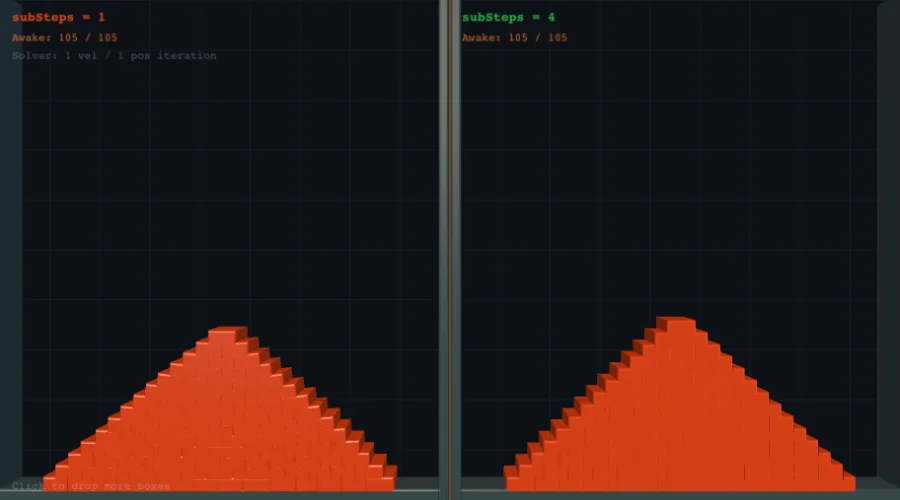
Sub-Stepping for Stability
Improve simulation quality for stacking, fast objects, and stiff constraints.
// Run 4 sub-steps per frame (each at dt/4)
space.subSteps = 4;

// Then step normally — it internally runs 4 smaller steps
space.step(1 / 60);
Key points:
subSteps = 1is the default (zero overhead)subSteps = 4is a good balance for most games- Cost scales linearly —
subSteps = 4costs ~4x more CPU - Particularly useful for: stacking stability, thin wall collisions, stiff constraints
Kinematic Moving Platform
A platform that moves on a fixed path and pushes dynamic bodies.
const platform = new Body(BodyType.KINEMATIC, new Vec2(300, 400));
platform.shapes.add(new Polygon(Polygon.box(100, 12)));
platform.space = space;

// Move back and forth
let time = 0;
function updatePlatform(dt: number) {
  time += dt;
  const targetX = 300 + Math.sin(time) * 150;
  // Set velocity so the solver pushes bodies correctly
  platform.velocity.x = (targetX - platform.position.x) / dt;
  platform.velocity.y = 0;
}
Key point: Set velocity on kinematic bodies — don't set position directly. The solver uses velocity to push dynamic bodies that are standing on the platform.
Custom Material Presets
nape-js includes built-in presets, or create your own.
import { Material } from "@newkrok/nape-js";

// Built-in presets
const wood = Material.wood();
const steel = Material.steel();
const ice = Material.ice();
const rubber = Material.rubber();
const glass = Material.glass();
const sand = Material.sand();

// Custom material
// Constructor order: elasticity, dynamicFriction, staticFriction, density, rollingFriction
const bouncy = new Material(0.9, 0.1, 0.1, 1.0, 0.01);
const heavy = new Material(0.2, 0.8, 0.9, 10.0, 0.5);

// Apply to a shape
for (const s of body.shapes) {
  s.material = bouncy;
}
Gotcha: The constructor order is (elasticity, dynamicFriction, staticFriction, density, rollingFriction) — elasticity comes first, not friction. This differs from some other engines.
Performance Profiling
Visualise per-step timing and entity counts with the built-in performance overlay.
Quick overlay (Canvas)
import { PerformanceOverlay } from "@newkrok/nape-js/profiler";

// Attaches a canvas overlay to the page (auto-creates canvas if omitted)
const overlay = new PerformanceOverlay(space, {
  position: "top-right", // "top-left" | "top-right" | "bottom-left" | "bottom-right"
  width: 260,
  showGraph: true,       // rolling step-time graph (120 frames)
  showBreakdown: true,   // broadphase / narrowphase / solver / CCD / sleep bar
  showCounters: true,    // body / contact / constraint counts
});

// In your game loop, after space.step():
function update() {
  space.step(1 / 60);
  overlay.update();
}
Headless / custom metrics (no DOM)
// Enable profiling without the overlay
space.profilerEnabled = true;

function update() {
  space.step(1 / 60);

  const m = space.metrics;
  console.log(
    `step ${m.totalStepTime.toFixed(2)}ms ` +
    `(broad ${m.broadphaseTime.toFixed(2)} / narrow ${m.narrowphaseTime.toFixed(2)} / ` +
    `velSolve ${m.velocitySolverTime.toFixed(2)} / posSolve ${m.positionSolverTime.toFixed(2)} / ` +
    `ccd ${m.ccdTime.toFixed(2)} / sleep ${m.sleepTime.toFixed(2)})`,
  );
  console.log(
    `bodies ${m.bodyCount} (dyn ${m.dynamicBodyCount}, sleep ${m.sleepingBodyCount}) ` +
    `contacts ${m.contactCount} constraints ${m.constraintCount}`,
  );
}
Key points:
PerformanceOverlayauto-enablesspace.profilerEnabled— no extra setup needed- Metrics are zero-allocation (reused object, no GC pressure)
- The overlay respects HiDPI (
devicePixelRatio) automatically - When
profilerEnabled = false(default), timing instrumentation is skipped — zero overhead in production
Wave Spawner (Timer-Driven Cadence)
A common arena-mode pattern: enemies spawn in waves, and the next wave starts on a fixed timer regardless of whether the previous one is finished. Pile-ups are part of the challenge.
const WAVE_INTERVAL = 12 * 60;    // 12s @ 60fps between wave starts
const FIRST_WAVE_DELAY = 3 * 60;  // 3s grace period before wave 1
let waveTimer = FIRST_WAVE_DELAY;
let wave = 0;
let toSpawn = 0;
let spawnTimer = 0;
let spawnInterval = 60;
let waveActive = false;

function startWave() {
  wave++;
  waveActive = true;
  toSpawn = 8 + Math.floor(wave / 2);
  spawnInterval = Math.max(20, 70 - wave * 2);
  spawnTimer = 30;
}

function spawnForWave(space) {
  if (toSpawn <= 0) return;
  spawnTimer--;
  if (spawnTimer > 0) return;
  spawnTimer = spawnInterval;
  spawnEnemy(space);   // your function — body + shape + filter
  toSpawn--;
}

// Inside your per-frame step():
function tickWaves(space) {
  waveTimer--;
  if (waveTimer <= 0) {
    startWave();
    waveTimer = WAVE_INTERVAL;
  }
  if (waveActive) {
    spawnForWave(space);
    if (toSpawn <= 0) waveActive = false;
  }
}
Key points:
- The timer keeps ticking even while a wave is active — slow waves don't delay the next one.
- Within a wave,
spawnIntervalcontrols per-enemy spacing; tighter intervals on later waves create pressure. - The HUD can read
waveTimer / 60for a "next wave in Ns" countdown. - Vary the wave shape (boss / speed / healer) by
wave % Nchecks insidestartWave().
Viewport-Bounded Auto-Aim
When the camera follows the player, off-screen enemies shouldn't be auto-targetable — that lets the player snipe through walls they can't see. Constrain target search to the visible viewport rectangle:
const VIEW_W = 900;       // canvas width
const VIEW_H = 500;       // canvas height
const AIM_INSET = 20;     // small inset so enemies near the screen edge don't pop in/out

function findNearestVisibleEnemy(space, player) {
  const px = player.position.x, py = player.position.y;
  const halfW = VIEW_W / 2 - AIM_INSET;
  const halfH = VIEW_H / 2 - AIM_INSET;
  let best = null, bestD2 = Infinity;
  for (const body of space.bodies) {
    if (!body.userData?._enemy) continue;
    const ex = body.position.x, ey = body.position.y;
    if (Math.abs(ex - px) > halfW) continue;     // outside horizontally
    if (Math.abs(ey - py) > halfH) continue;     // outside vertically
    const dx = ex - px, dy = ey - py;
    const d2 = dx * dx + dy * dy;
    if (d2 < bestD2) { bestD2 = d2; best = body; }
  }
  return best;
}
Key points:
- A box check is cheaper than a distance check (no
sqrt, just twoabs). - This works because the camera follows the player — the player is roughly viewport-centered.
- For a non-following camera, replace
(px, py)with the actual camera-center world coords. - For a circular field-of-view instead of a rectangle, just use
distSq < range*range.
Homing Missile (Steered Projectile)
A projectile that gradually turns toward the nearest target each frame. Constant speed + capped turn rate produces visible arcs (vs instant homing, which looks robotic).
const HOMING_SPEED = 360;
const HOMING_TURN_RATE = 0.18;        // radians per frame max
const HOMING_ACQUIRE_RANGE = 520;     // px

function spawnMissile(space, x, y, vx, vy) {
  const body = new Body(BodyType.DYNAMIC, new Vec2(x, y));
  body.shapes.add(new Circle(4, undefined, new Material(0.1, 0.1, 0.1, 0.05)));
  body.isBullet = true;                // CCD — fast bodies tunnel otherwise
  body.userData._homing = true;
  body.userData._life = 150;
  body.velocity = new Vec2(vx, vy);
  body.space = space;
}

// Call once per frame for every active missile:
function steerMissile(space, body) {
  const px = body.position.x, py = body.position.y;
  let best = null, bestD2 = HOMING_ACQUIRE_RANGE * HOMING_ACQUIRE_RANGE;
  for (const e of space.bodies) {
    if (!e.userData?._enemy) continue;
    const dx = e.position.x - px, dy = e.position.y - py;
    const d2 = dx * dx + dy * dy;
    if (d2 < bestD2) { bestD2 = d2; best = e; }
  }
  if (!best) return;                   // no target — fly straight

  const desired = Math.atan2(best.position.y - py, best.position.x - px);
  const current = Math.atan2(body.velocity.y, body.velocity.x);
  let diff = desired - current;
  // Normalize to (-π, π) so we always turn the short way around
  while (diff > Math.PI)  diff -= Math.PI * 2;
  while (diff < -Math.PI) diff += Math.PI * 2;
  const turn = Math.max(-HOMING_TURN_RATE, Math.min(HOMING_TURN_RATE, diff));
  const ang = current + turn;
  body.velocity = new Vec2(Math.cos(ang) * HOMING_SPEED, Math.sin(ang) * HOMING_SPEED);
  body.rotation = ang;                 // optional — orient the sprite
}
Key points:
- Constant speed (re-set every frame) keeps the trajectory readable; varying speed makes missiles feel laggy.
- Cap the turn rate — without it, the missile snaps to its target and looks like a teleport.
- Use
body.isBullet = trueso the missile doesn't tunnel through enemies at high speed. - Pair with
Body.userData._life(decremented each frame) to age the missile out if it never hits anything.
Related demos
Interactive demos that exercise what this guide covers.
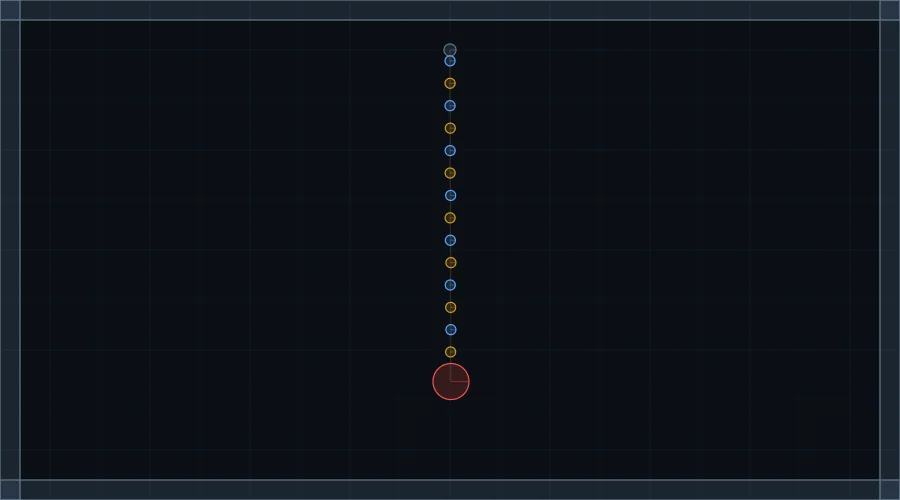 PhysicsPendulum Chain
 PhysicsImpulse Blast
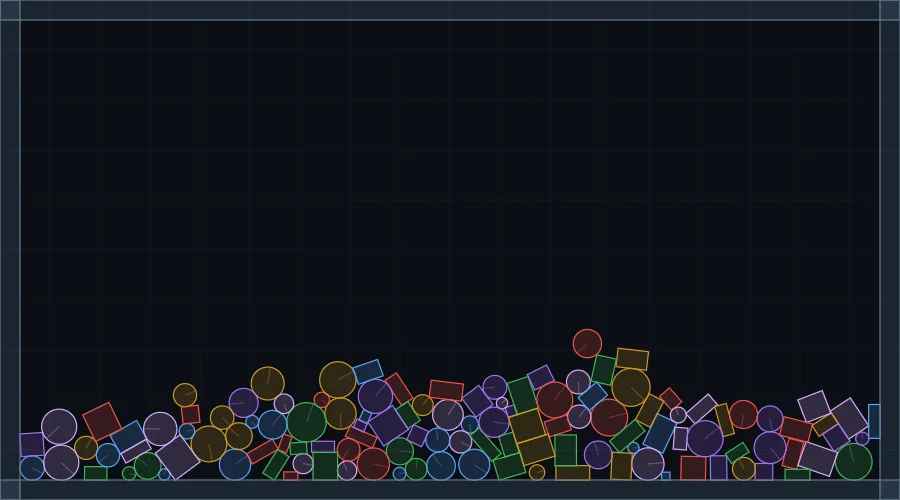
 PhysicsConstraints Showcase
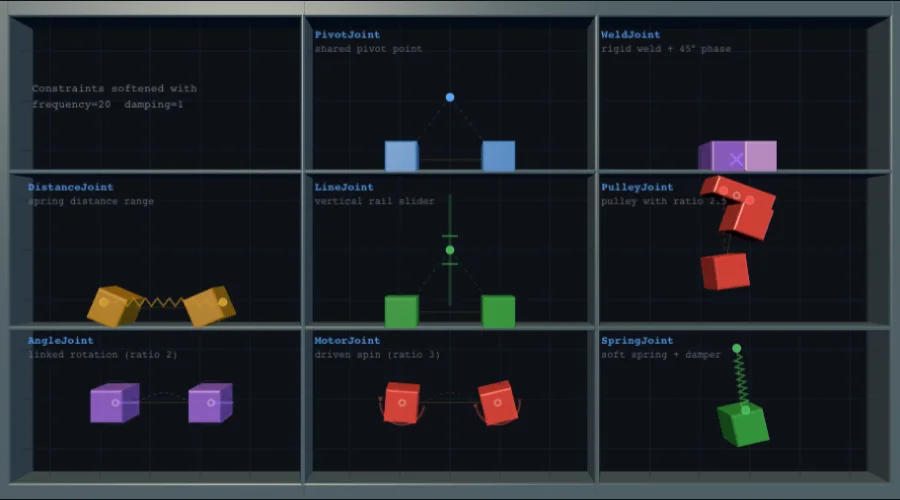
 PhysicsRagdoll
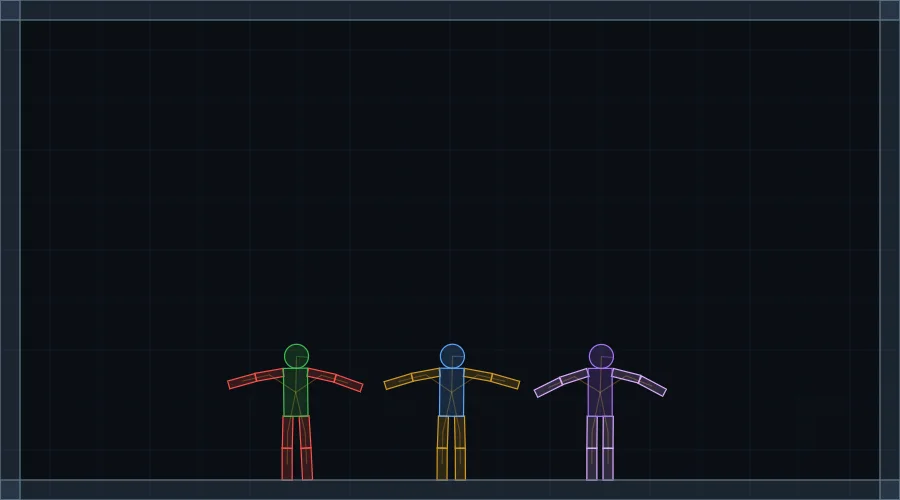
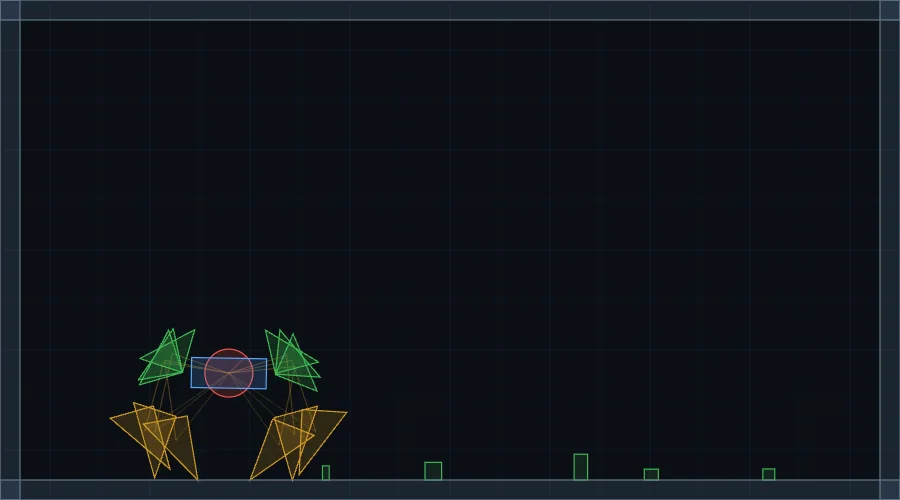 PhysicsStrand Beast
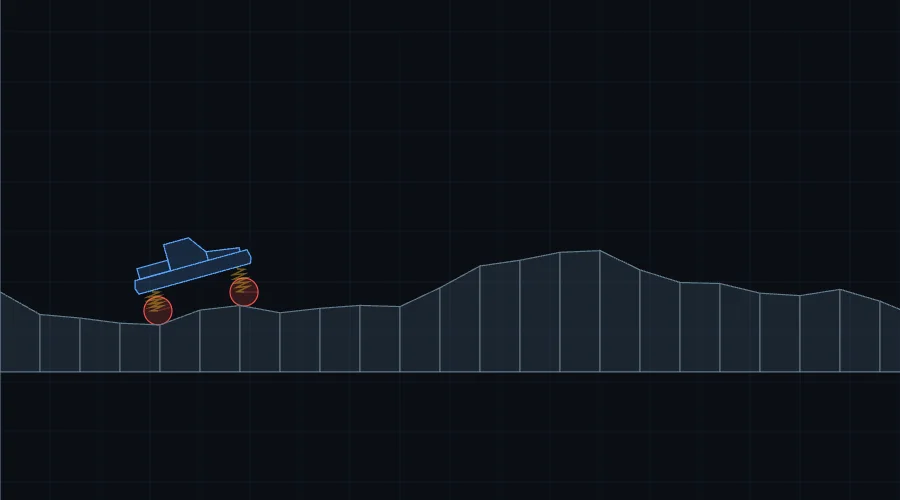 Gameplay slice2D Car — Side View
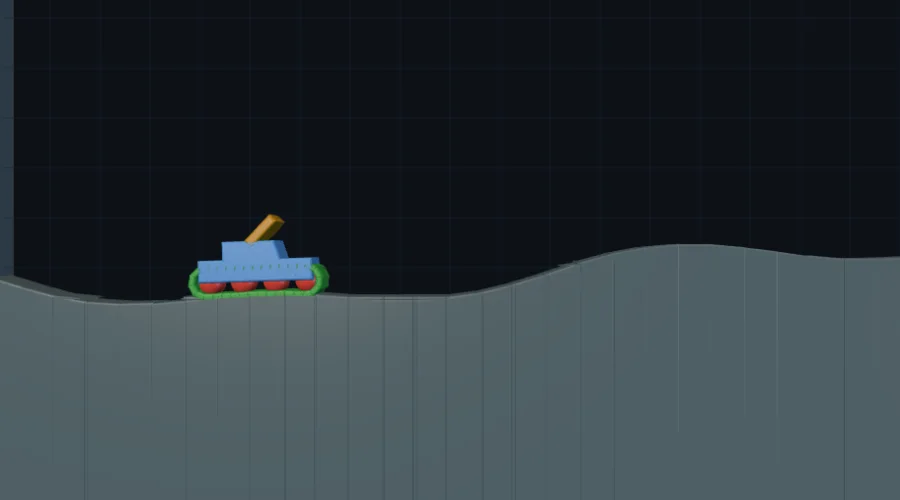 Gameplay sliceTracked Vehicle
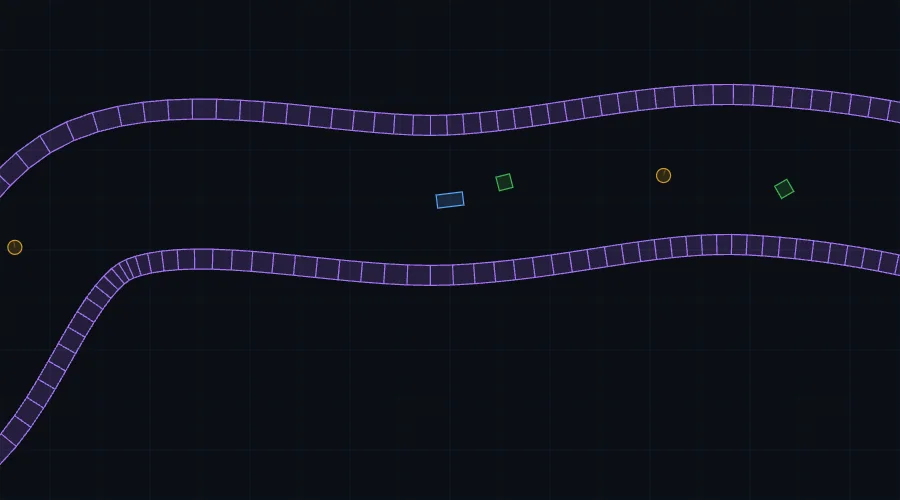 Gameplay slice2D Car — Top Down
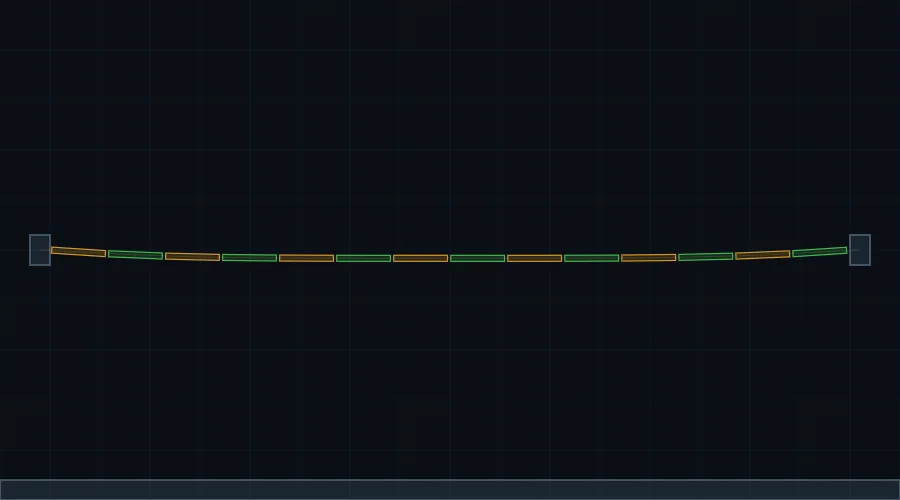 PhysicsRope Bridge
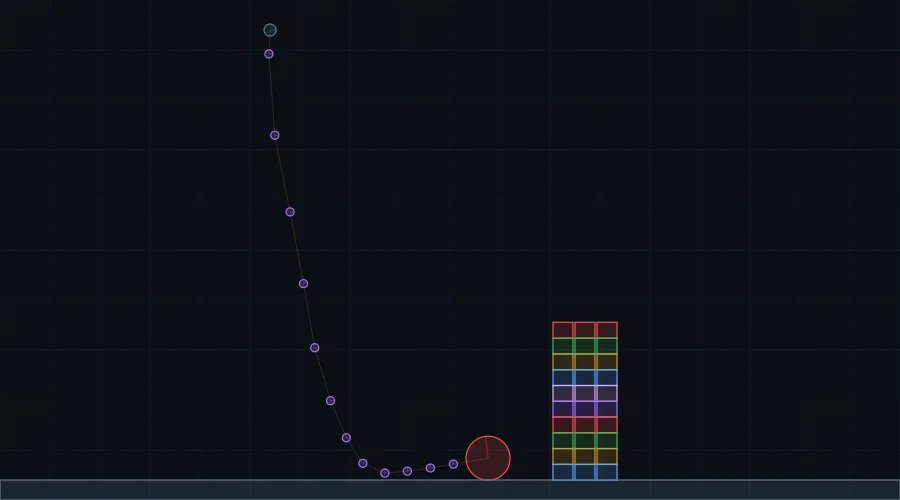 PhysicsWrecking Ball
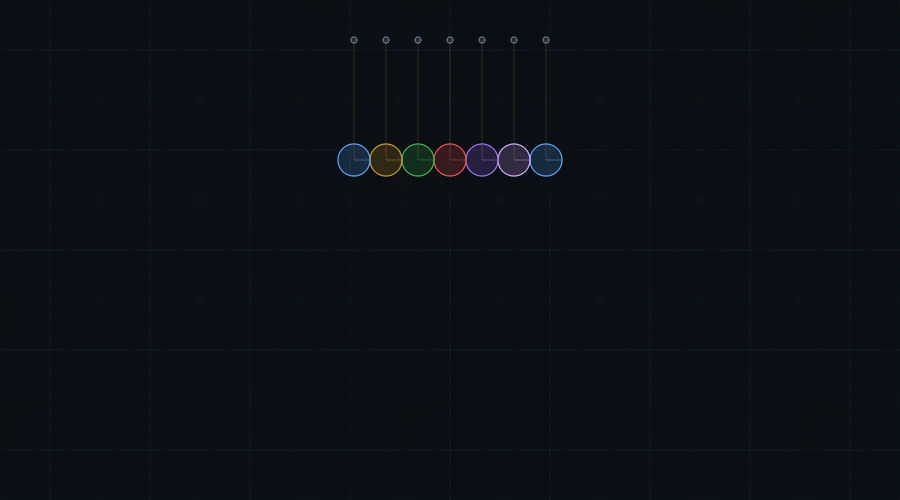 PhysicsNewton's Cradle
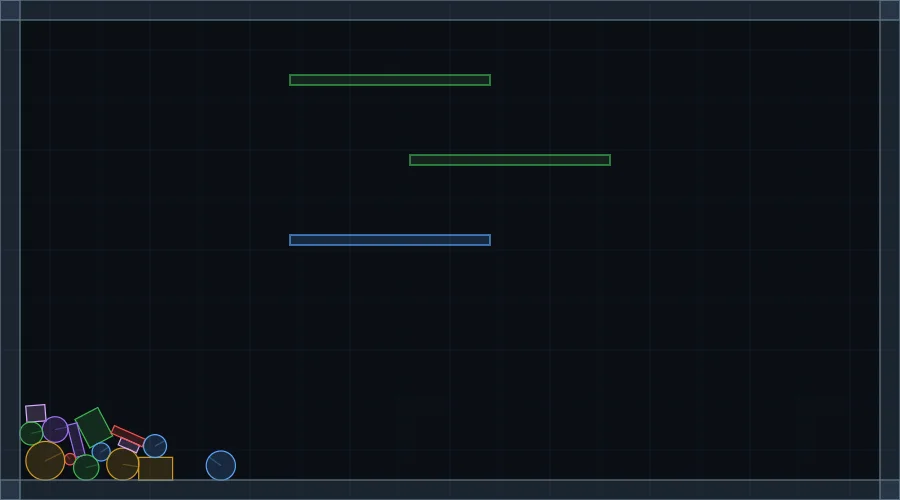 PhysicsConveyor Belts
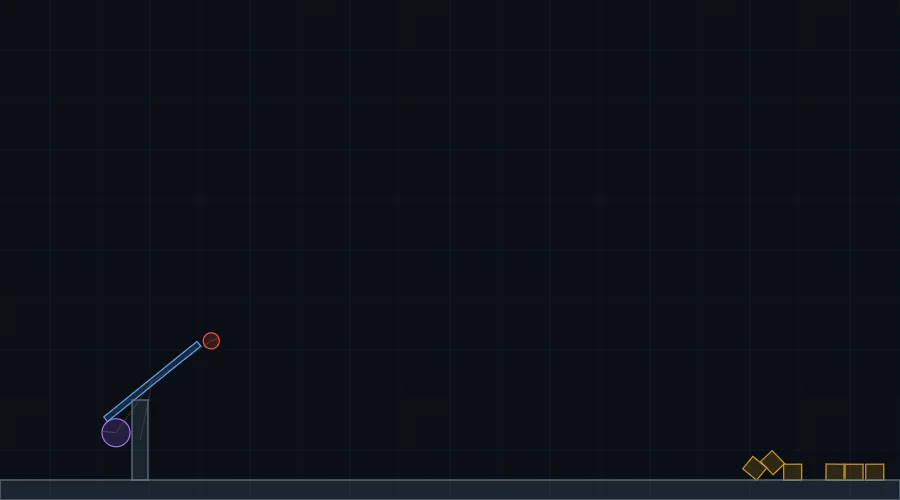 PhysicsTrebuchet
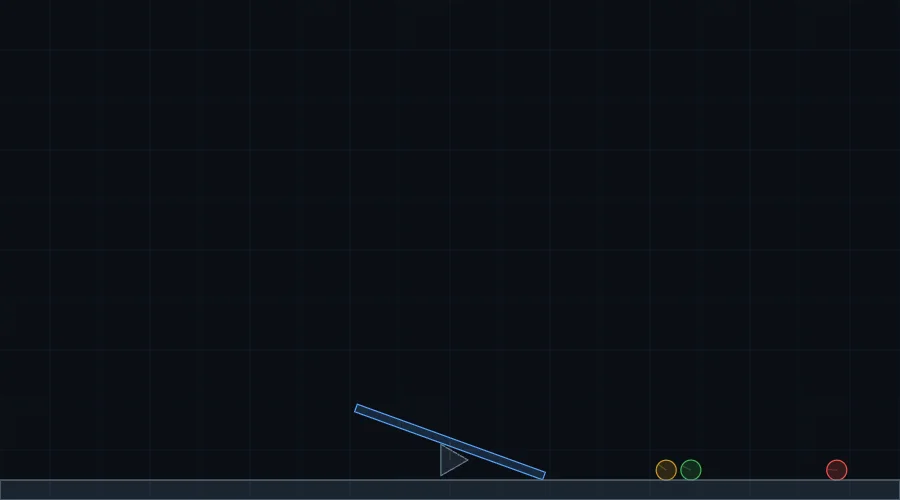 PhysicsSeesaw
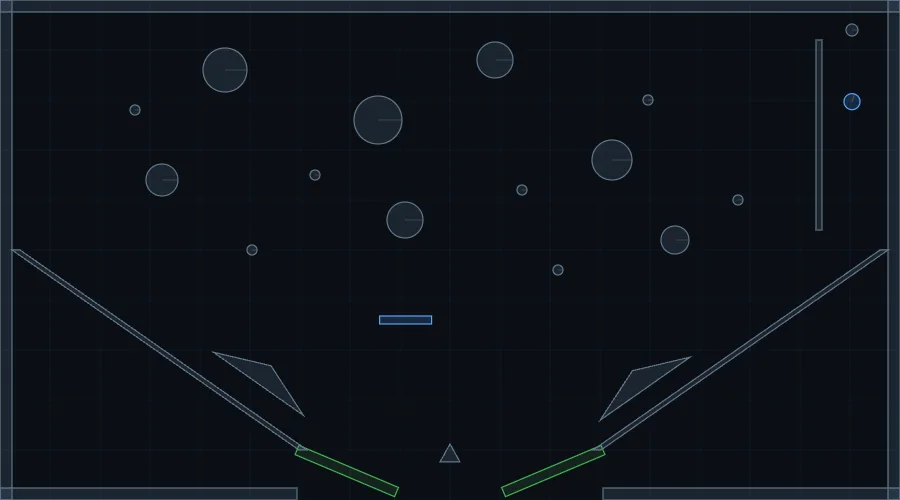 Gameplay slicePinball
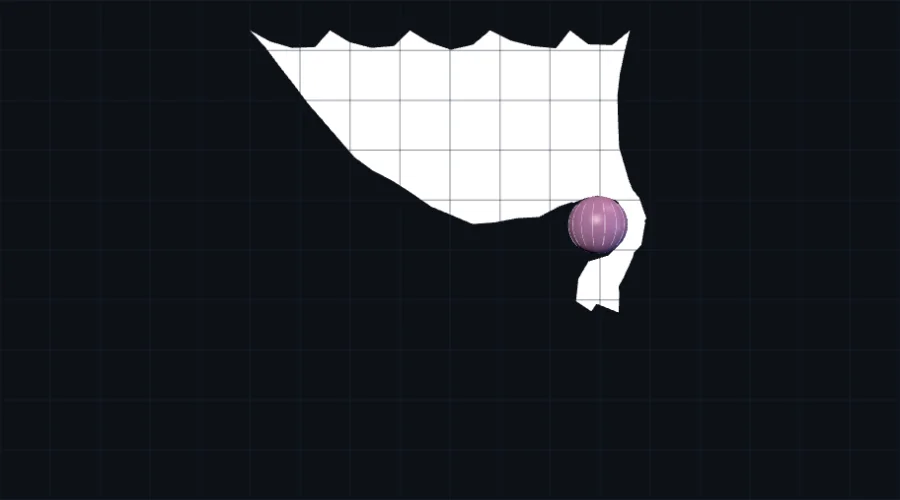 PhysicsCloth Simulation
 PhysicsSoft Body
 PhysicsOne-Way Platforms
 PhysicsFiltering Interactions
 PhysicsWeb Worker Physics
 PhysicsAsteroid Field (Spatial Hash)
 PhysicsFluid & Buoyancy
 PhysicsDeterministic Mode
 PhysicsSub-Stepping Solver
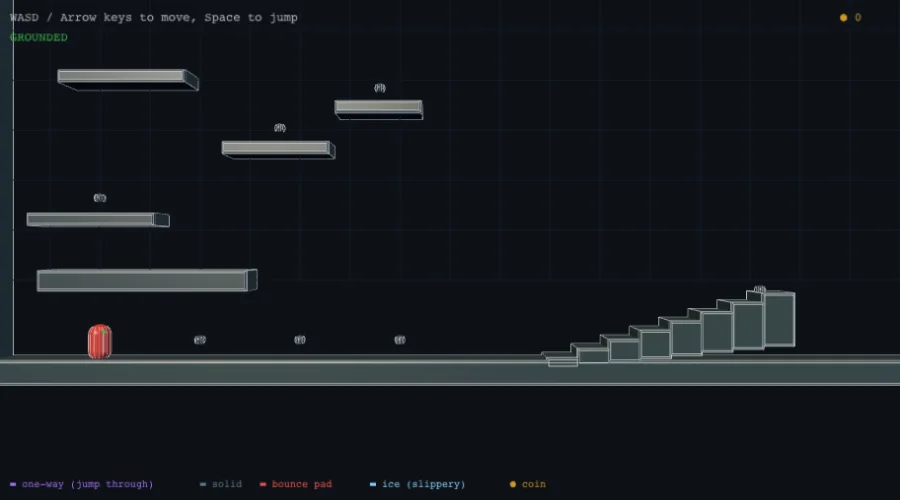 Gameplay sliceCharacter Controller
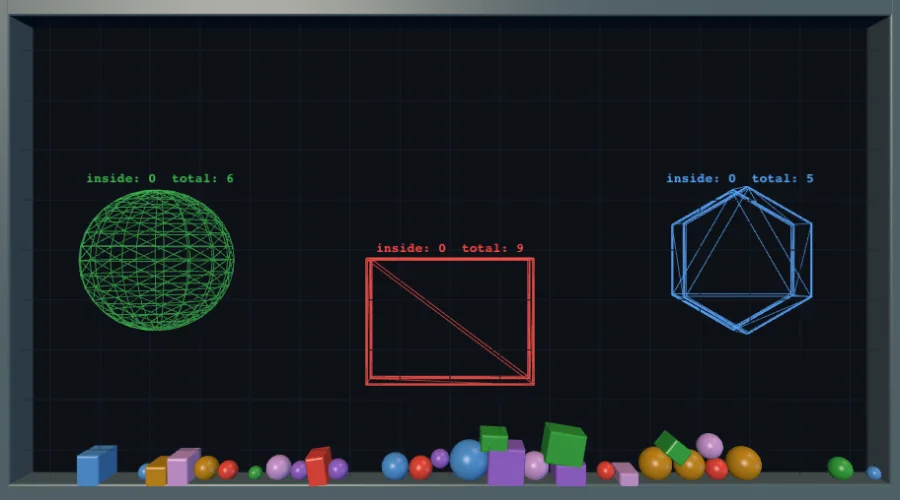 PhysicsTrigger Zones
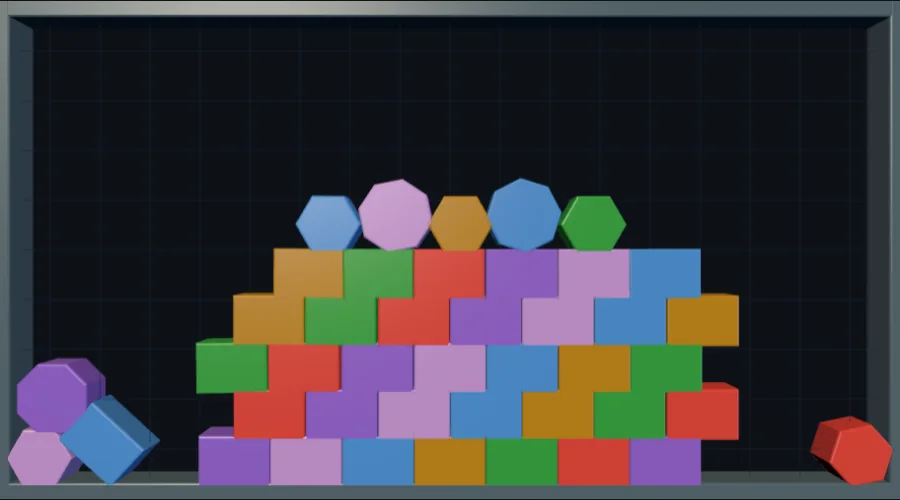 PhysicsVoronoi Fracture
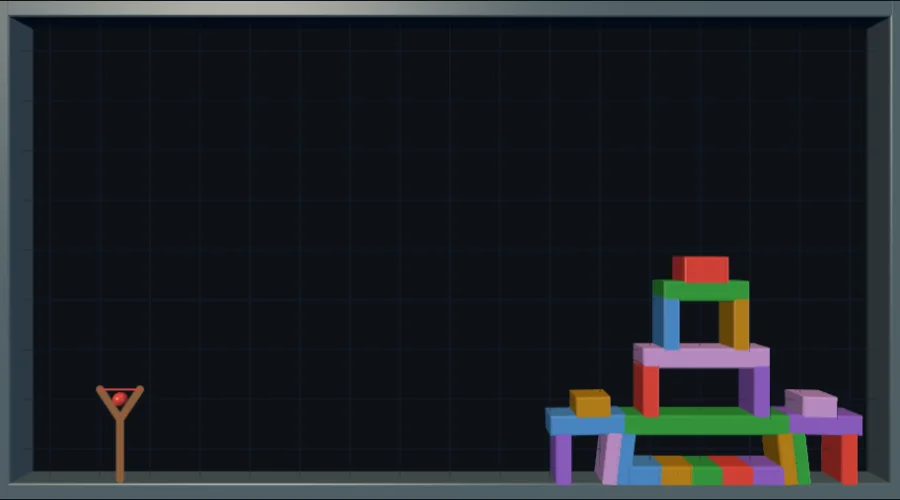 Gameplay sliceSlingshot Siege
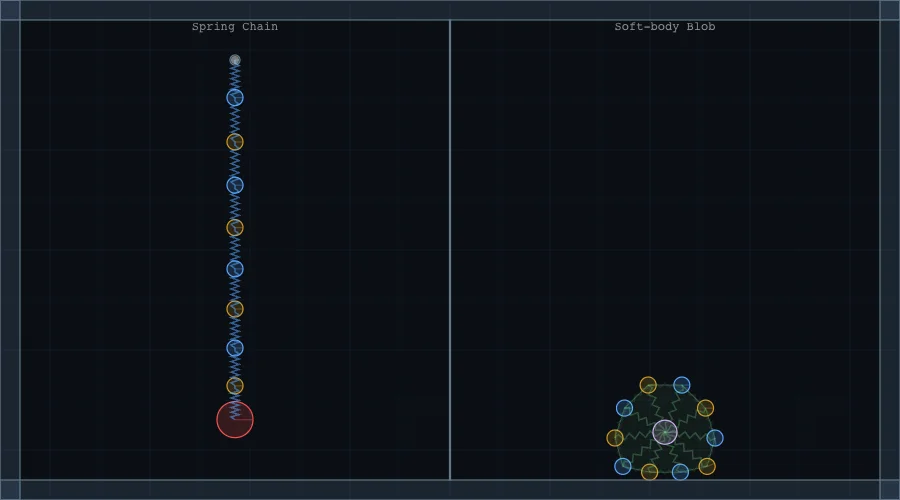 PhysicsSpring / Damper Joint
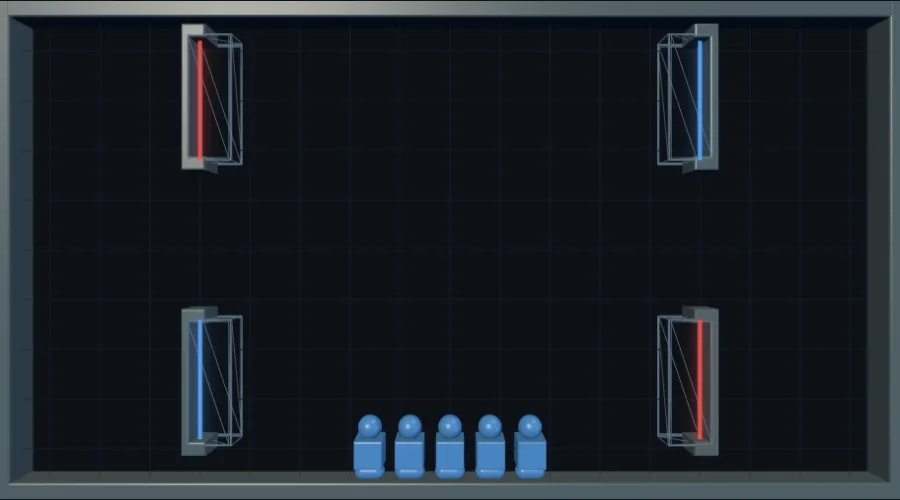 Gameplay slicePortals
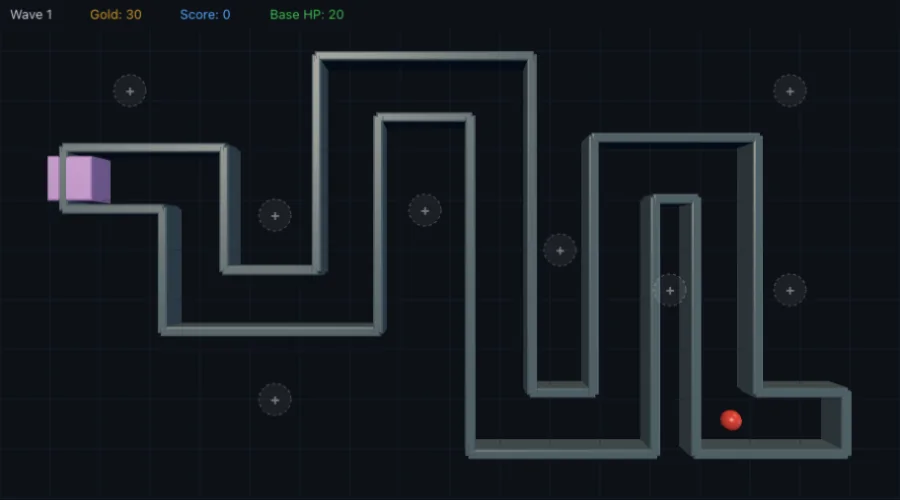 Gameplay sliceTower Defense
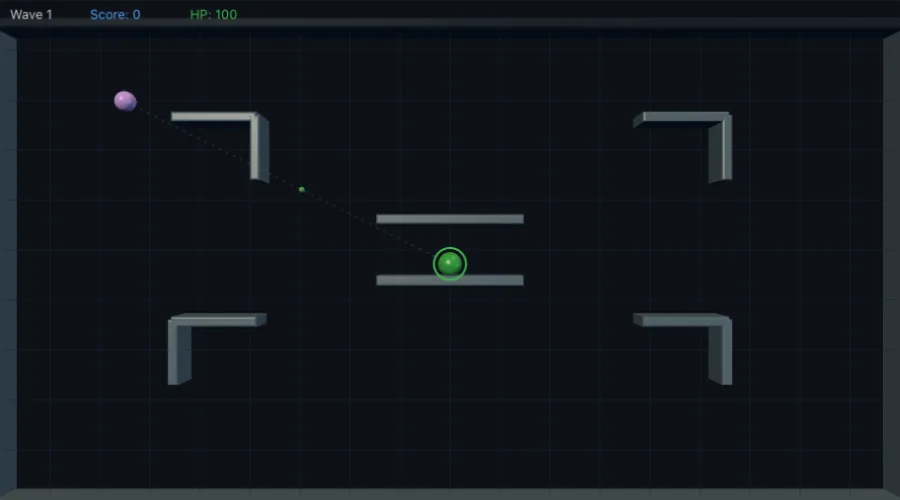 Complete gameTop-down Shooter
 Gameplay slicePlinko
 PhysicsTilemap (Greedy Meshing)
 Gameplay slicePlanet Platformer
 PhysicsVolcano
 Gameplay sliceDestructible Arena
 Complete gameArena Defense
 PhysicsSave / Load / Rewind
 PhysicsPopcorn
 PhysicsRollercoaster
 PhysicsConvex Cast
 Gameplay sliceFloppy Fists
 Gameplay sliceMinigolf
 Gameplay sliceWyrm
 PhysicsPulley Lift
 Complete gameTinywheels Cup
 Gameplay sliceTilt-Run Marble Maze
 Complete gameDirtline
 PhysicsExploding 50
 Gameplay sliceBilliards
 Complete gameStandoff
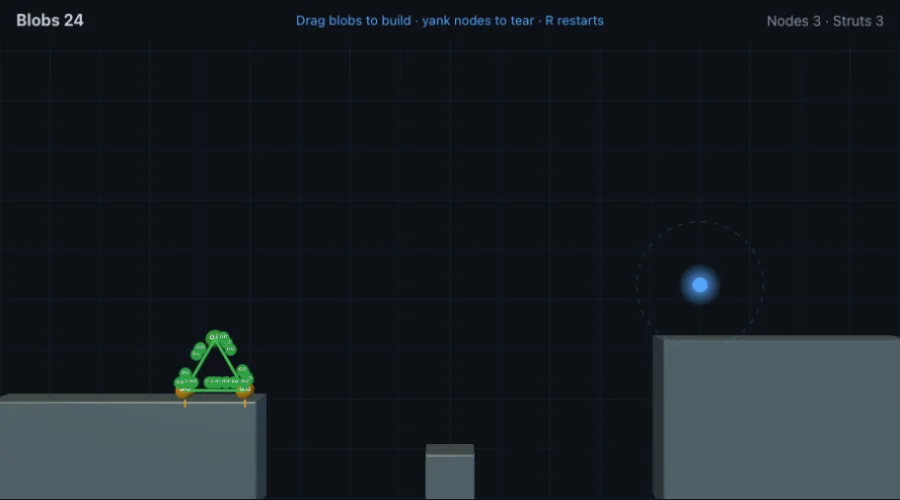 Gameplay sliceSticky Builder
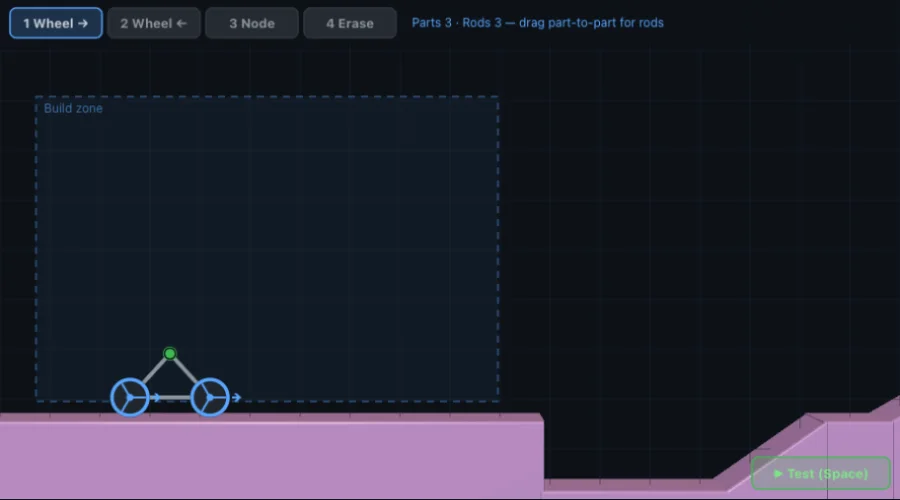 Complete gameContraption Garage
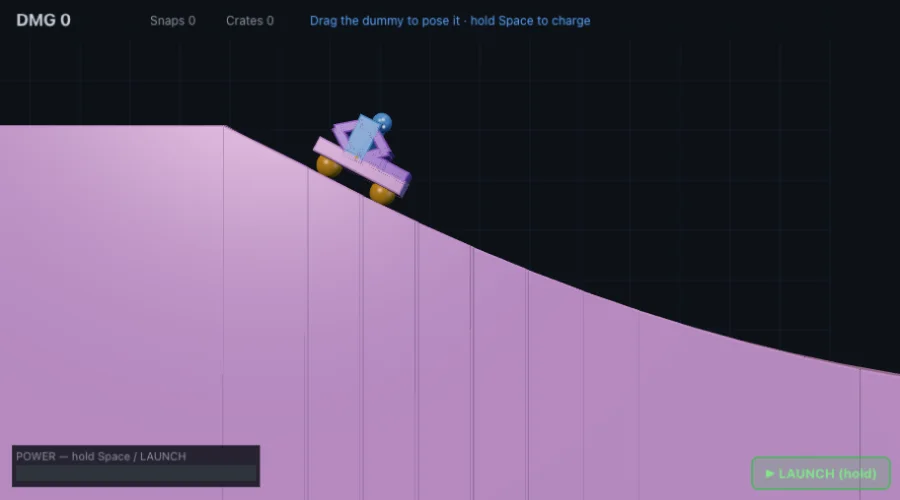 Complete gameCrash Test Hero
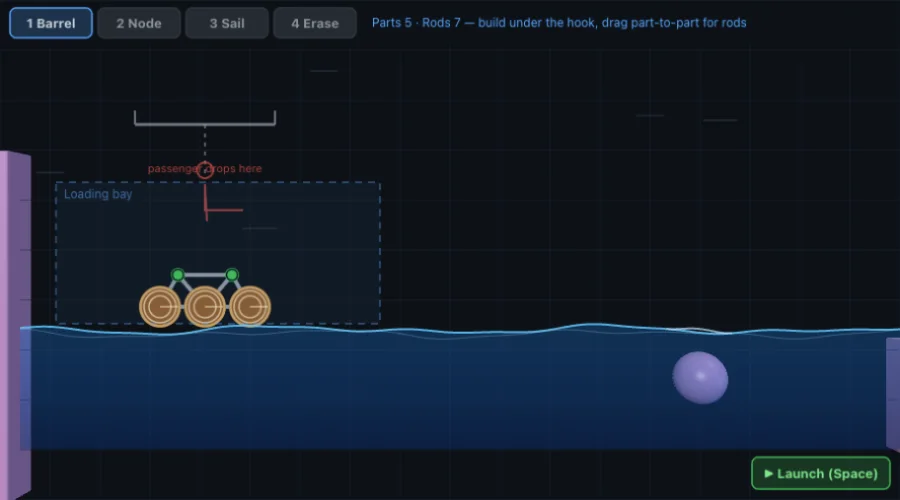 Complete gameRaft Rapids
 Complete gameSky Hook
 Complete gameRagdoll Royale
 Gameplay sliceCargo Crane Captain
 PhysicsPulse
 Gameplay sliceSumo Arena
 Complete gameKickoff
 Complete gameDodgeball
 Complete gameEscape Run
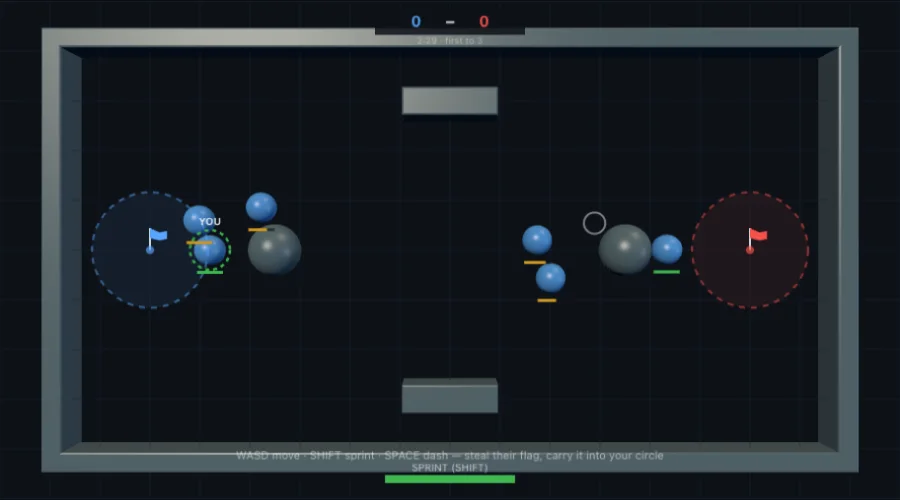 Complete gameCapture the Flag
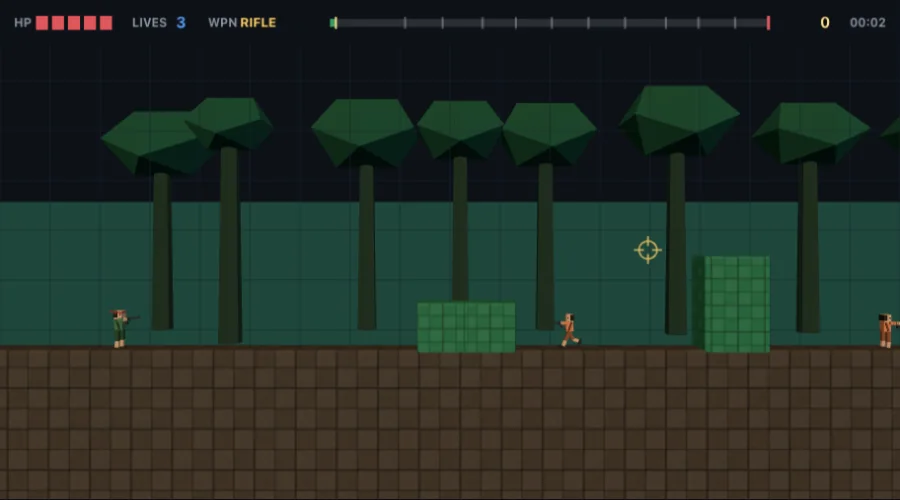 Complete gameJungle Strike
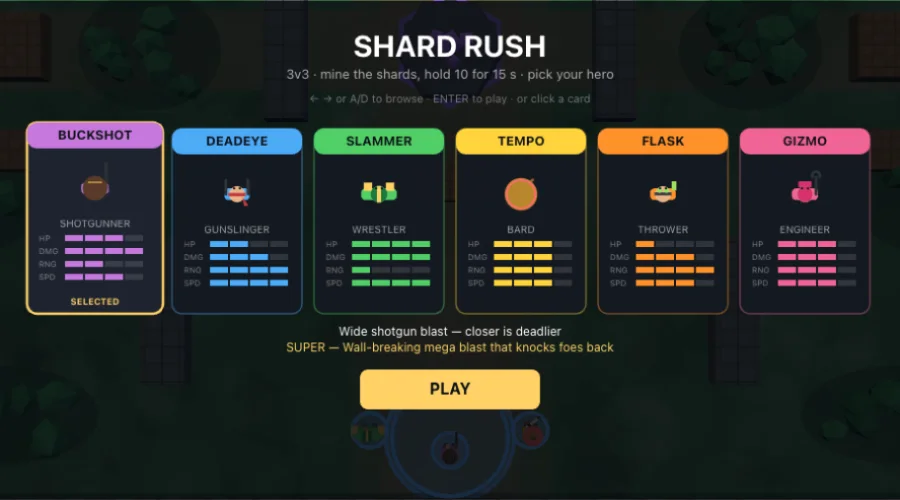 Complete gameShard Rush
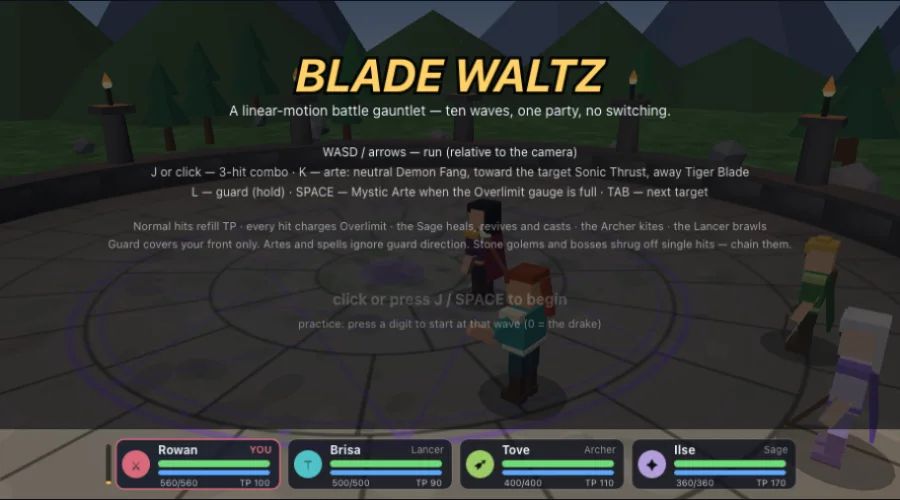 Complete gameBlade Waltz
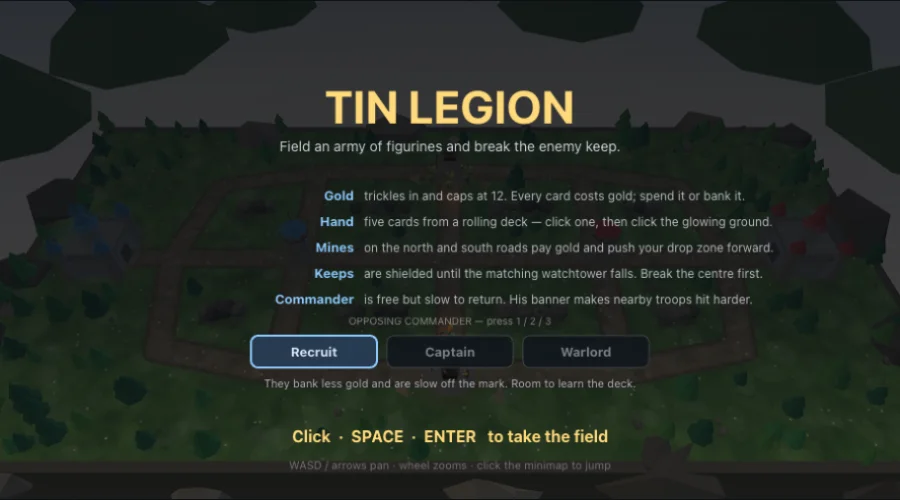 Complete gameTin Legion
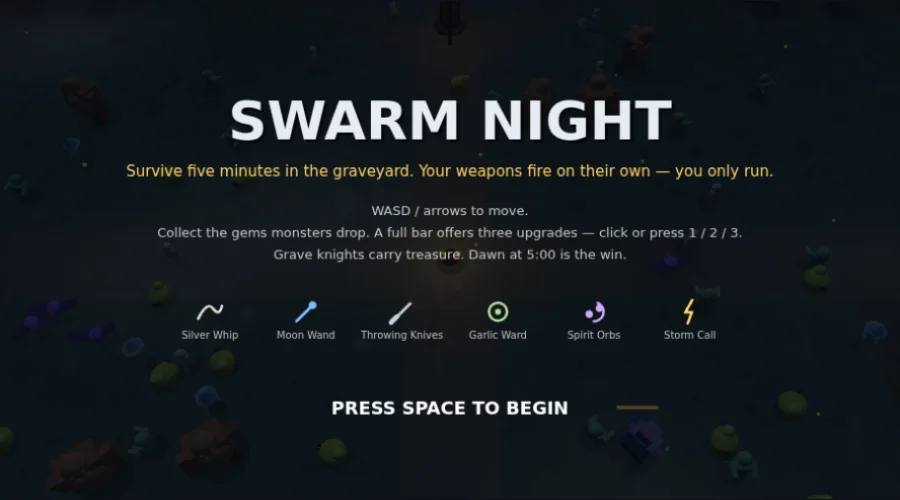 Complete gameSwarm Night
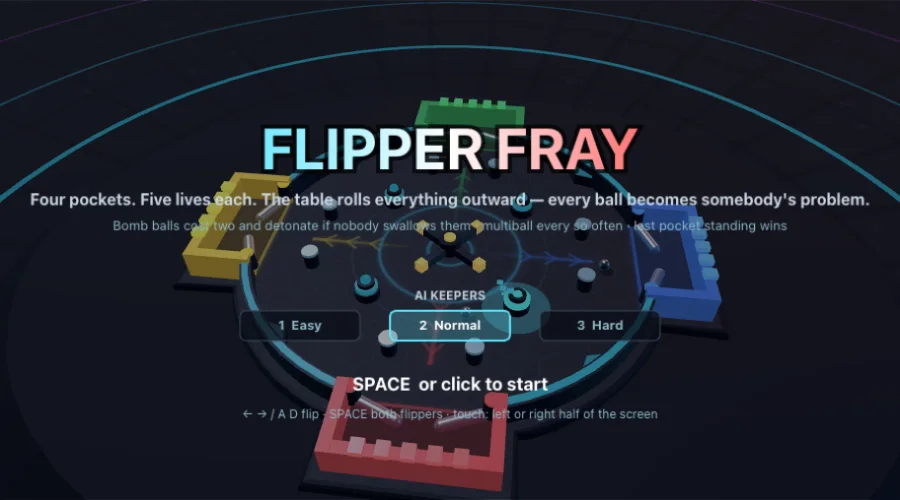 Complete gameFlipper Fray
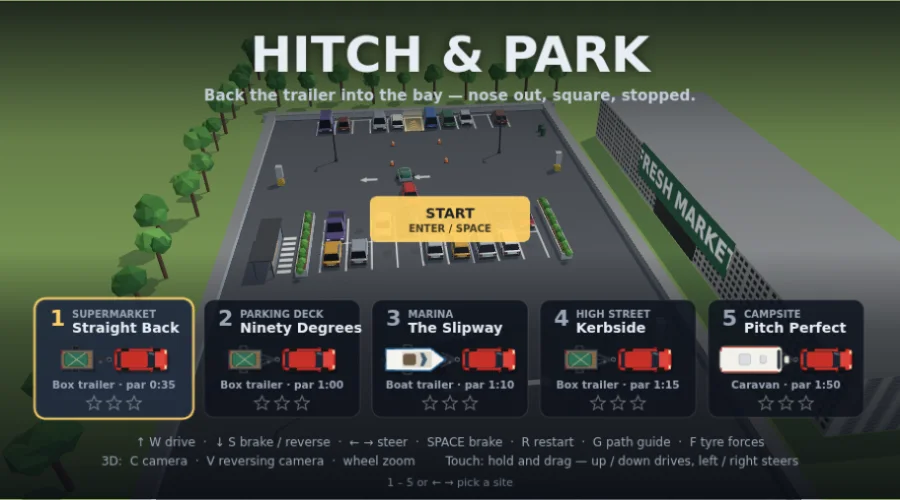 Complete gameHitch & Park